Context
01Problem
Nobody had ever mapped how people actually ran STAR-CCM+ from start to finish. Engineers kept a library of notebooks for workflow directions, and something like a rolodex to remember which notebook and which page held the next step.
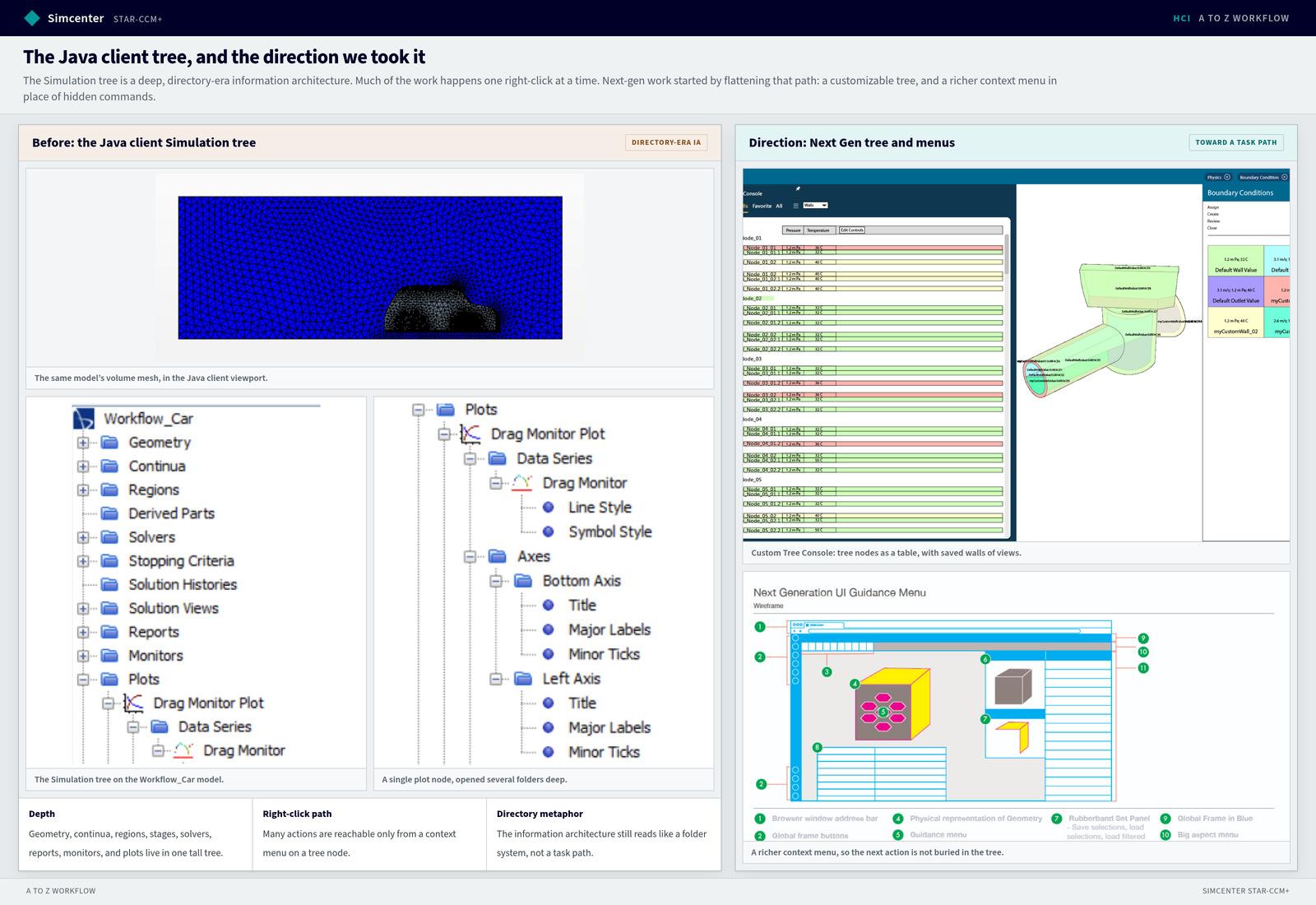
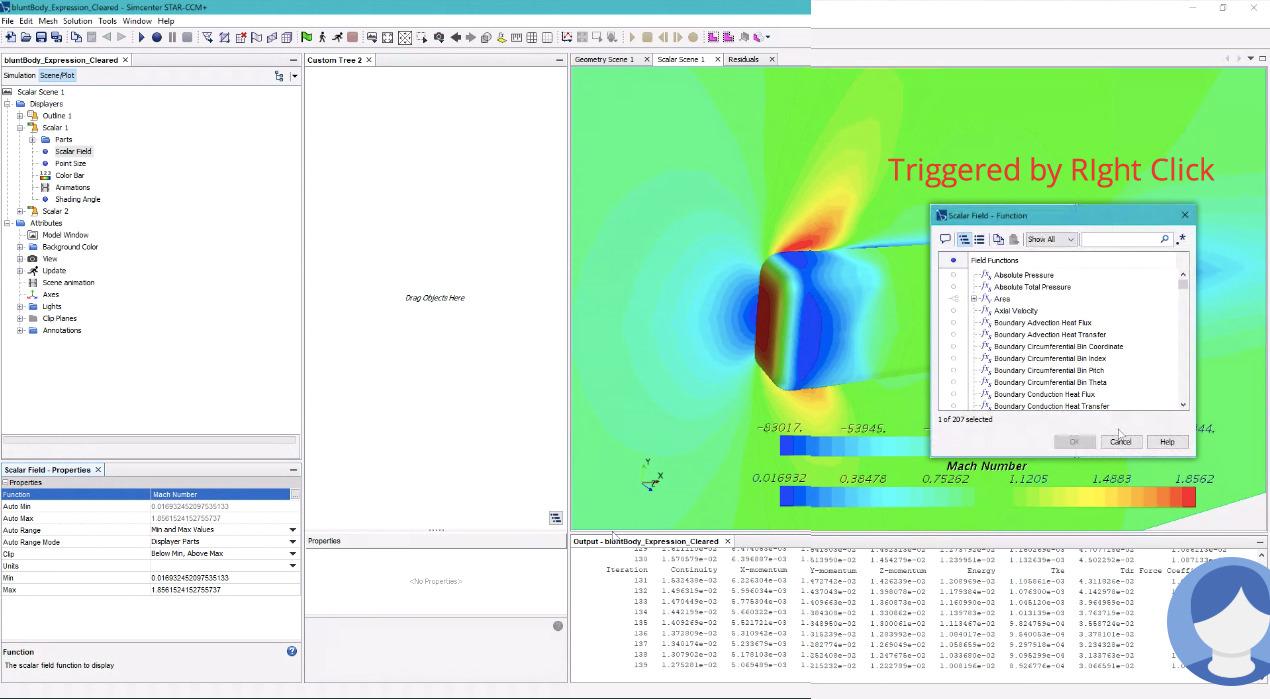
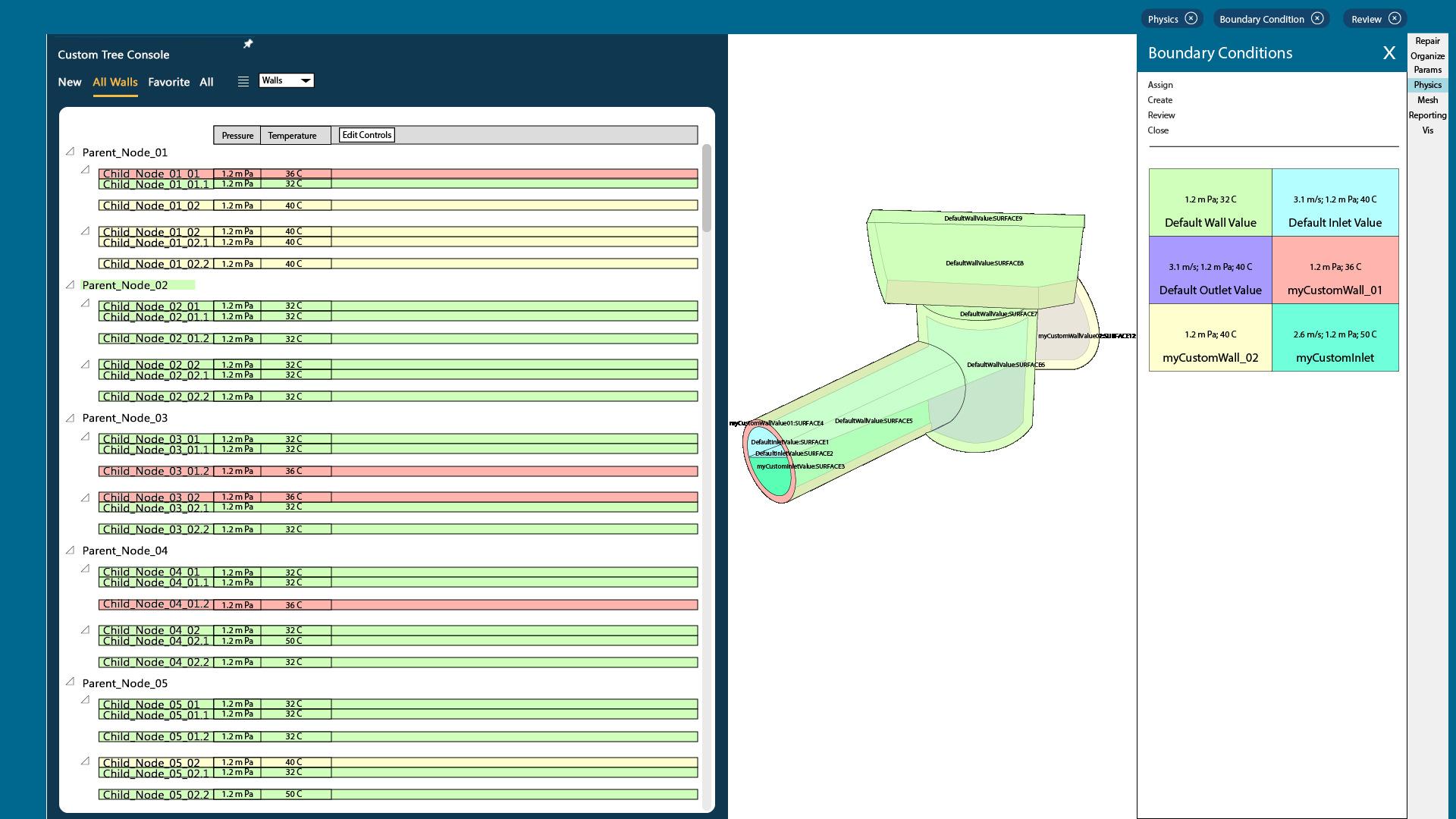
The UI itself was a folder directory that leaned on right-click actions and deep folder navigation to trigger work. Repetitive steps meant climbing up and down the tree, sometimes deep into nested folders, just to do the same action again.
The product was as deep as a Photoshop-class tool, so the real path lived on paper, in expert heads, and inside that directory model, and every feature team shipped against a different mental model. The culture assumed PhD users could absorb the complexity. Research kept showing that the complexity was the tax, not the badge.
02Opportunity
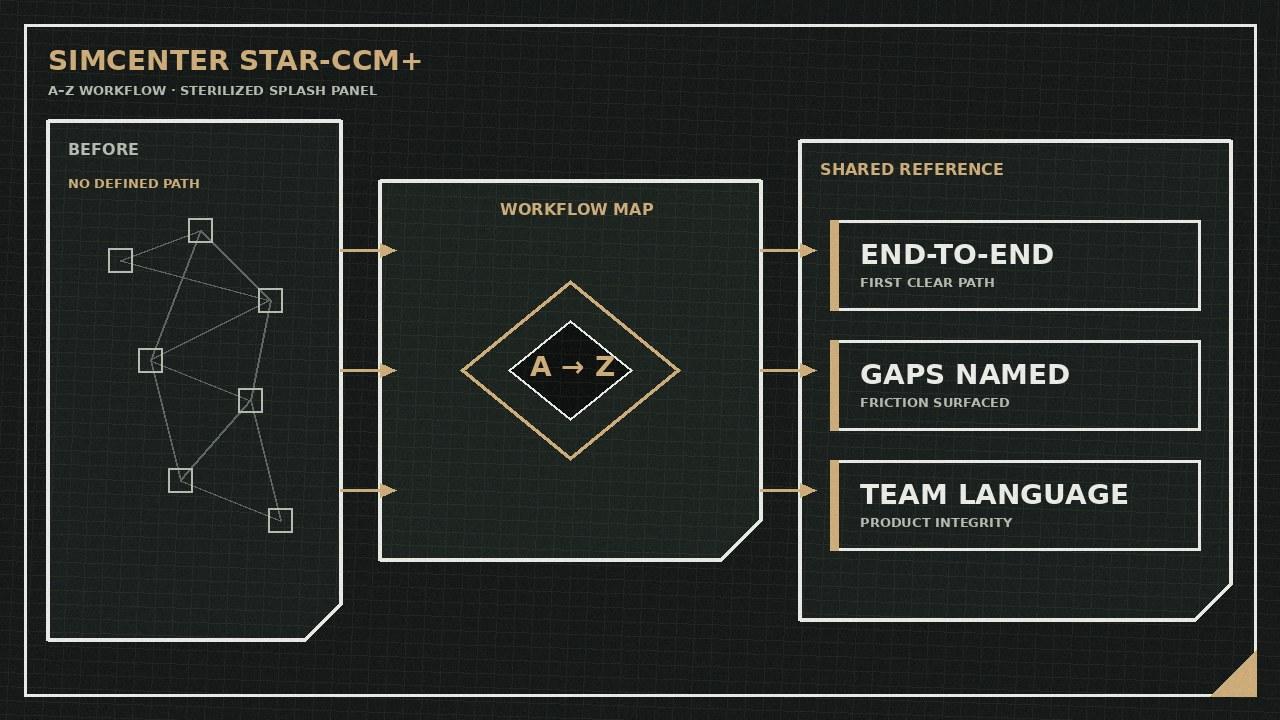
Walk a real model A to Z (geometry, meshing, physics, simulation, reporting), make the robust path visible in the product instead of across notebooks and folder trees, and give product and engineering a shared language for what "complete" meant before next-gen work started. Once the path was named, the gaps feature teams had been shipping around finally had somewhere to land.
I often did that by shoulder-surfing expert users, preferably people who were new to the company, because a cultural barrier kept me from reaching actual customers at the start.
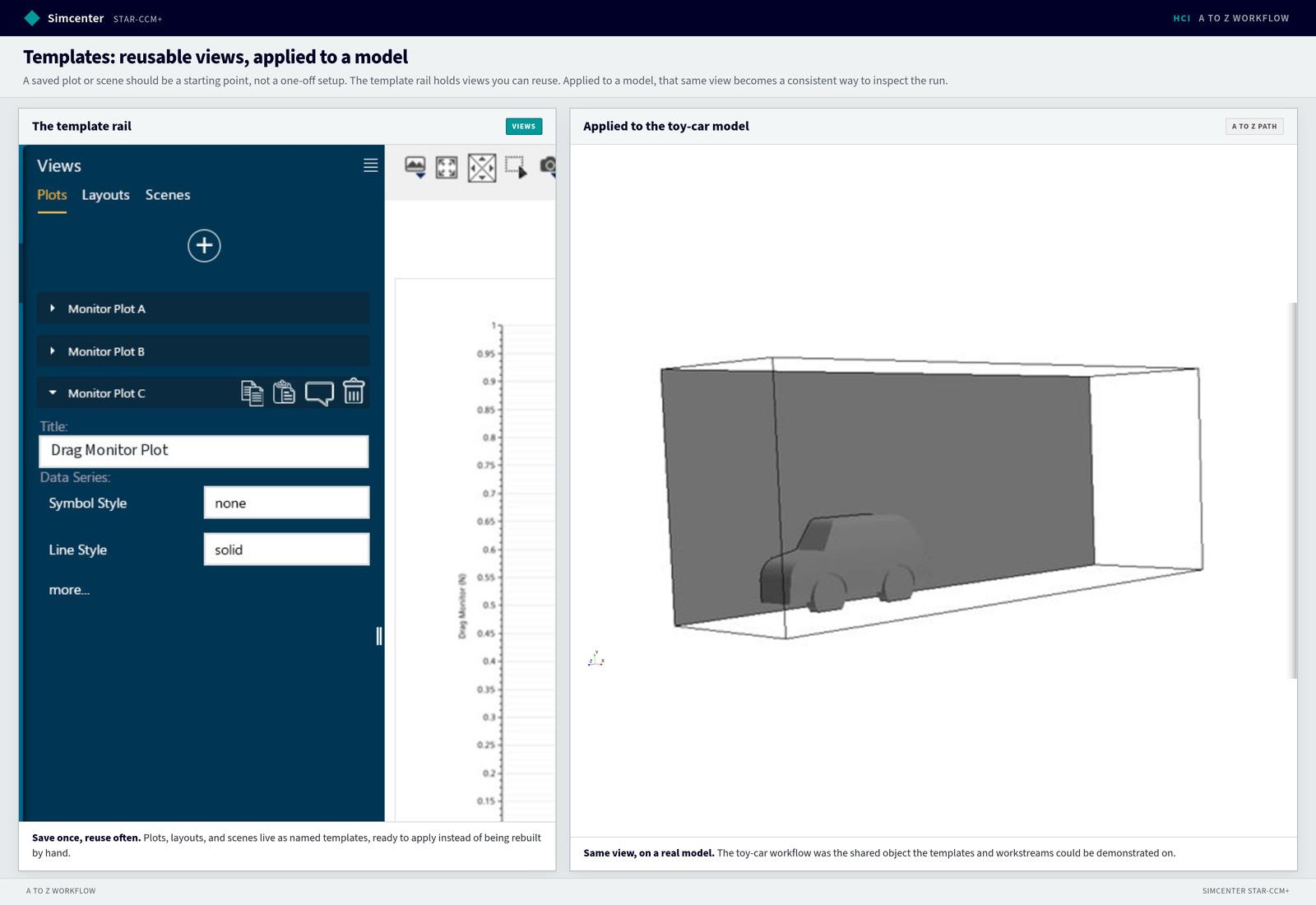
Product management drove Simulation Templates as a way to carry shared workflow best practices. I worked on that effort with the team, so people could reuse a protected path without another trip through paper notes or the directory tree.
03Constraint
Legacy Java client built around directory-era information architecture and right-click driven actions, plus a first-HCI-lead seat inside a PhD-heavy shop that treated UX as an outsider. Research had to earn trust with data and collaboration, not with a redesign pitch. Next-gen migration was already on the horizon, so the map had to hold for the product people used today and the one they were about to build.
If the workflow was never defined, every feature is a guess.
Approach
- Walked a real model A to Z, often by shoulder-surfing expert users who were new to the company.
- Made the robust path visible and gave product and engineering a shared language for what complete meant.
- Worked with the team on Simulation Templates so people could reuse a protected path.
Outcomes
- The A to Z map became the shared reference for what complete meant, and the gaps feature teams had been shipping around finally had somewhere to land.
- That work was a foundation for later Java-client improvements and for the Next Gen path.
Reflection
If the workflow was never defined, every feature is a guess. Naming the path is strategy.